HybridDash Pro
The complete dashboard for your hybrid, on Android Auto.
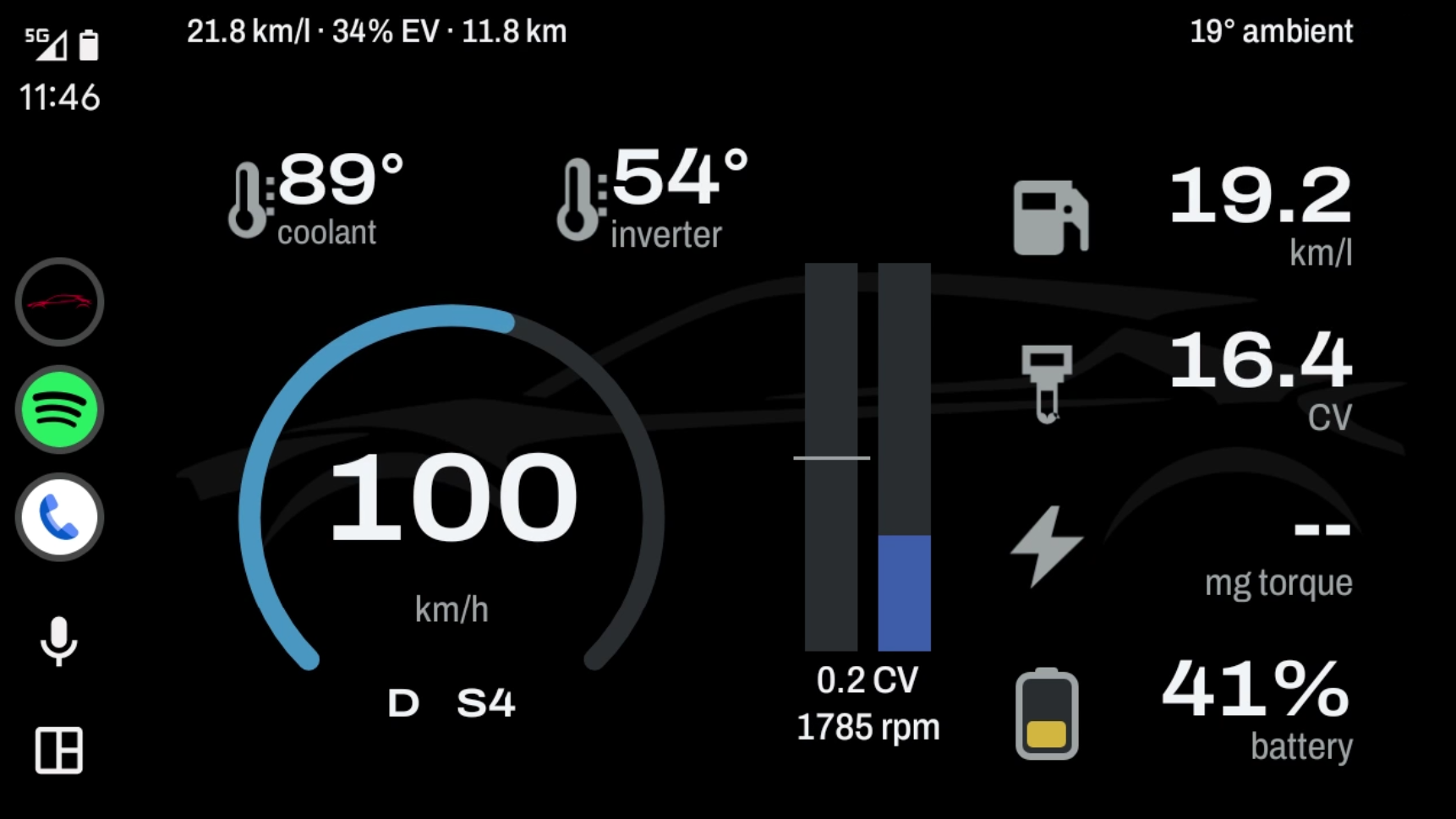
HybridDash Pro draws a real graphical dashboard on your car screen: ring speedometer, energy flows between engine, battery and wheels, live fuel consumption graph and mechanical braking indicator. Smooth, at 30 frames per second.
On top of HybridDash
- All 26 values, on Android Auto and on your phone
- Graphical dashboard on Android Auto, split screen too
- Live fuel consumption graph
- Advanced braking display: bar and indicator when the mechanical brakes engage
- Silhouettes of six hybrid models for the background
- Simulation mode to try the app without a car
- Automatic door locks included, with no limits
Live Screenshots & Android Auto
Smooth 30 FPS graphics on your hybrid's infotainment display
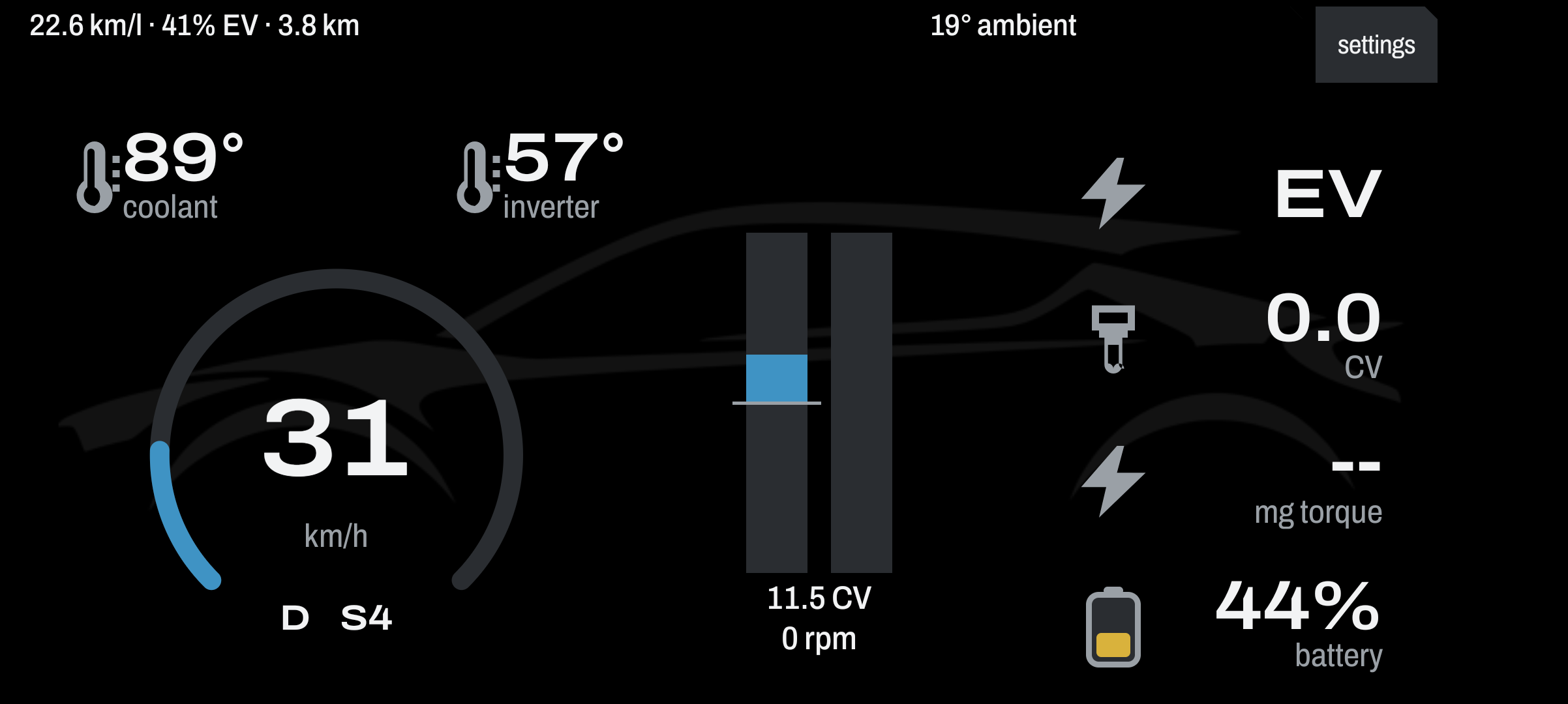
Landscape Cockpit Display
Dynamic energy flow, car silhouette and hybrid telemetry
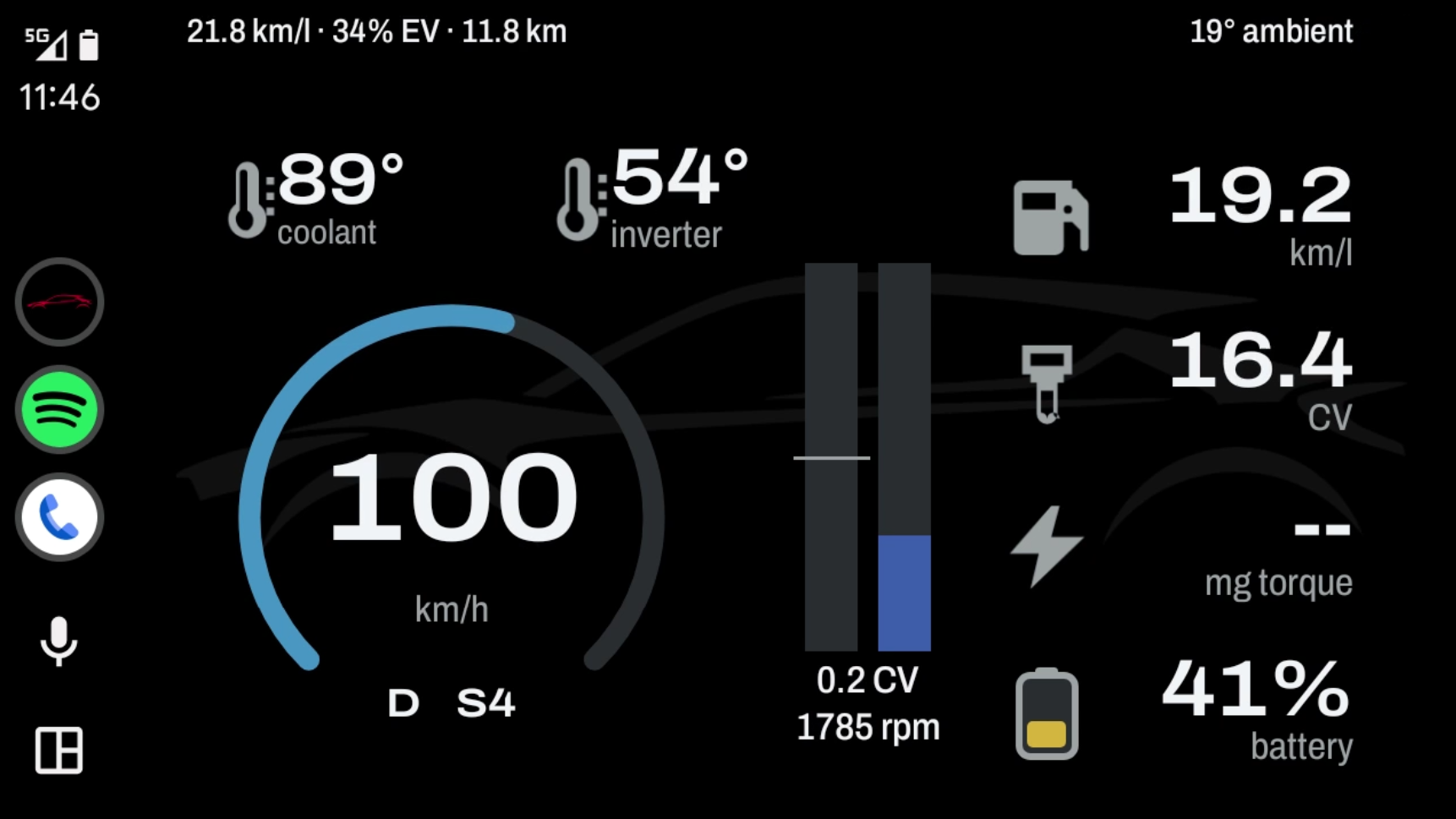
Android Auto — Dark Cockpit
OLED black cockpit with car silhouette and speedometer
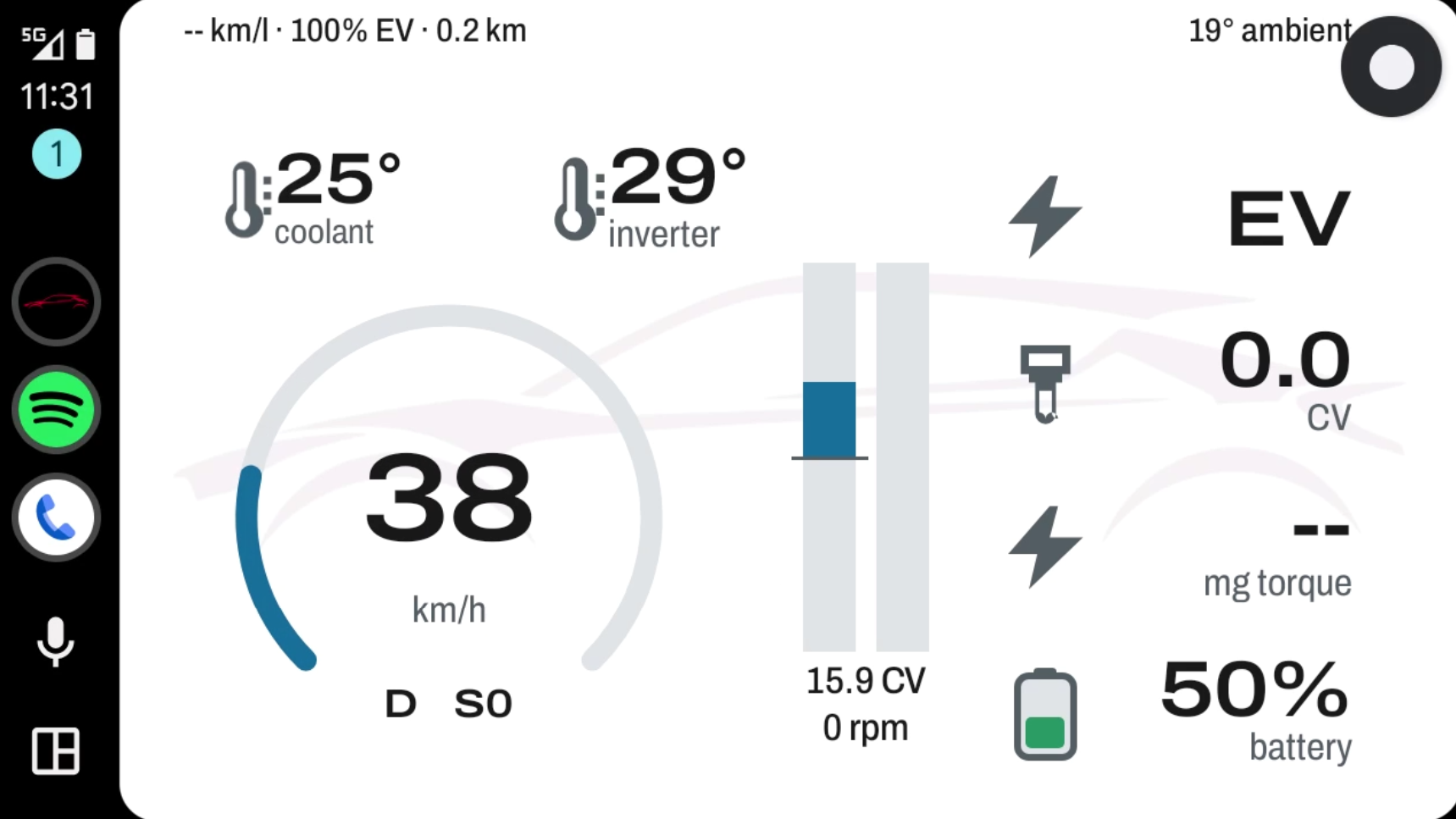
Android Auto — Light Cockpit
High contrast daytime view with fuel economy and temperatures
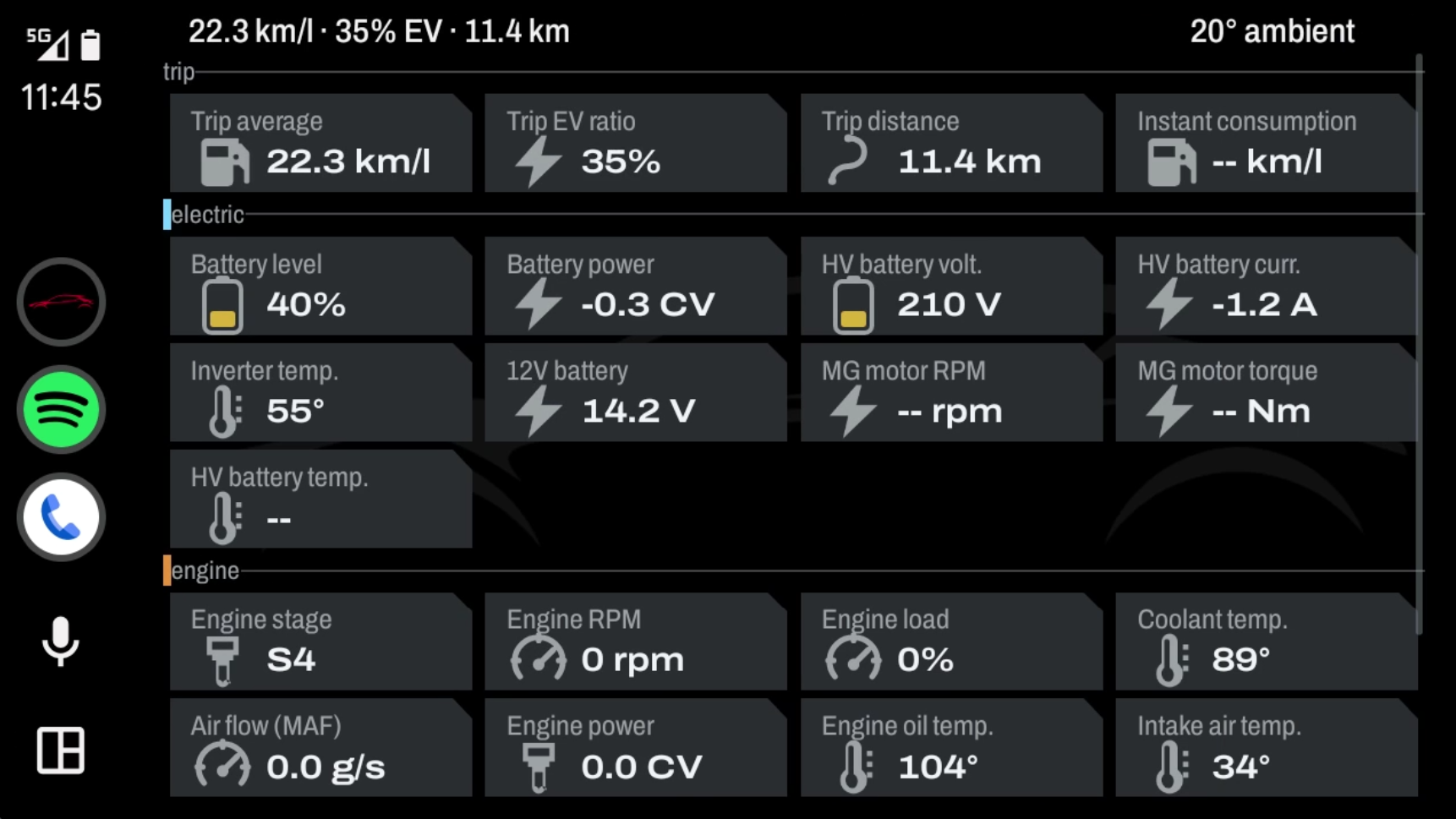
Android Auto — Dark Dense Telemetry
All engine, HV battery, and inverter PIDs on full display
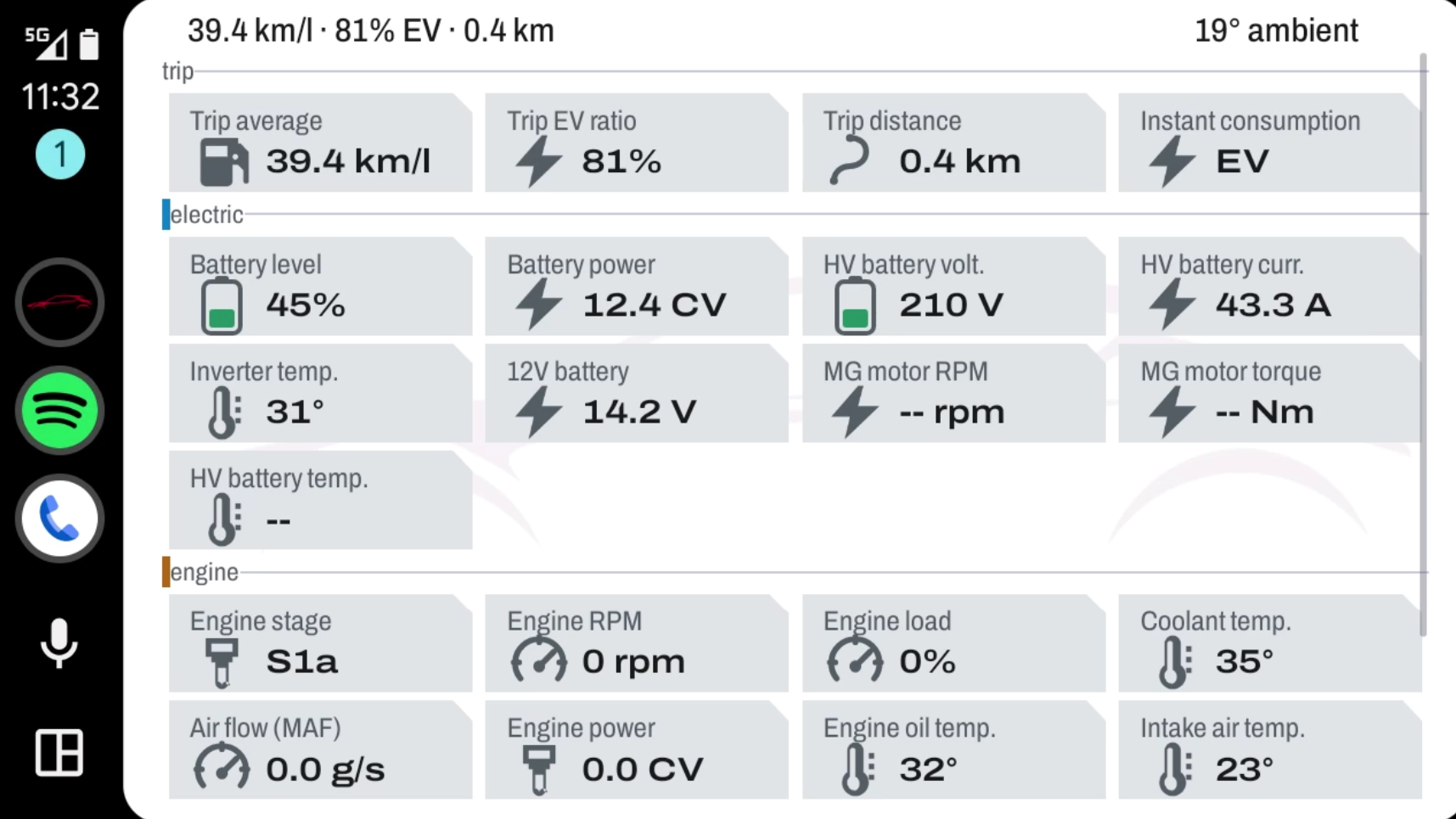
Android Auto — Light Dense Telemetry
MAF airflow, RPM and battery electrical power
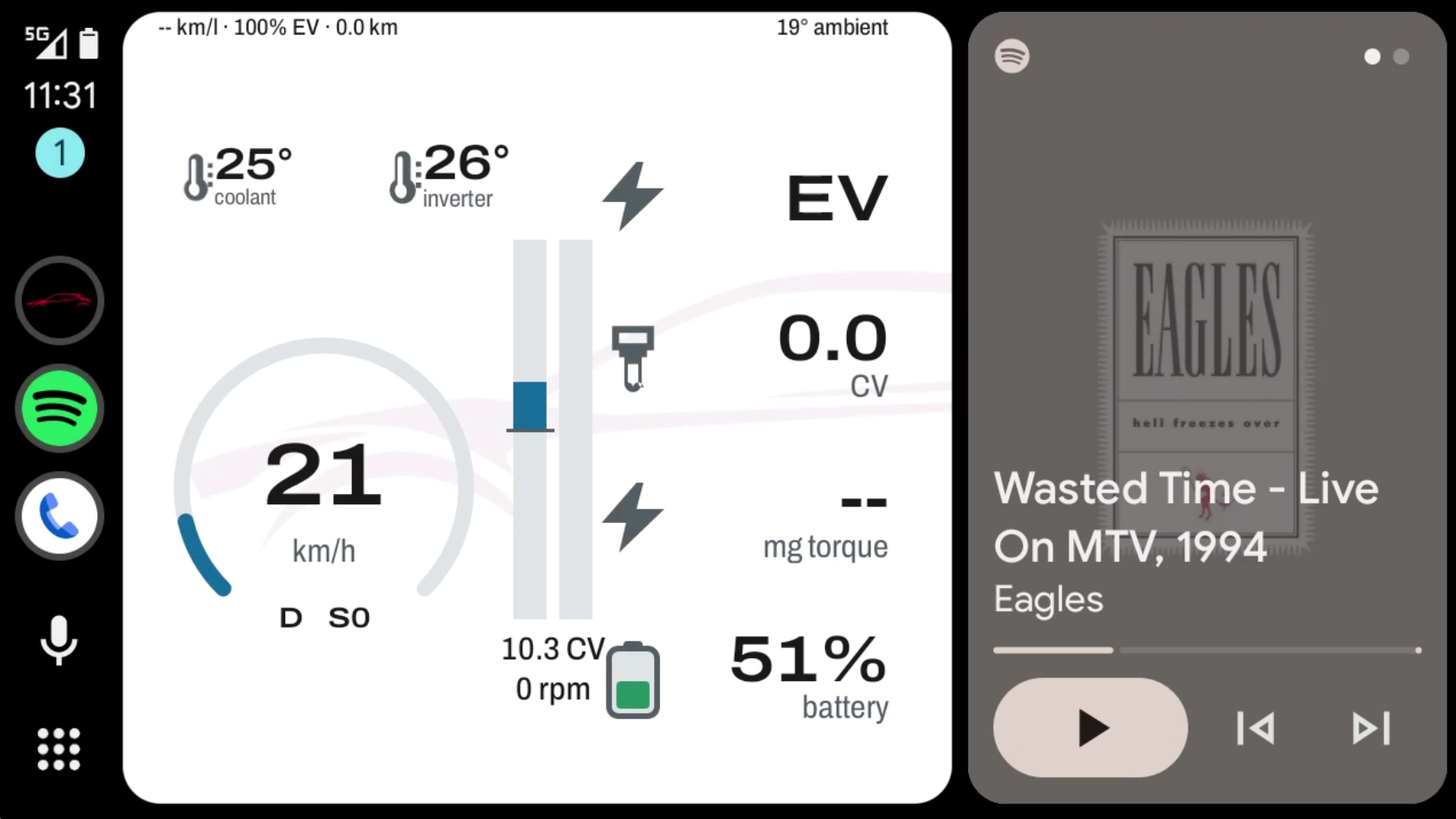
Android Auto — Coolwalk Split-Screen
HybridDash Pro cockpit alongside Spotify music player
Personal licence, valid for up to two cars. You activate it once in the app with the licence key you receive by e-mail (activation needs an internet connection).
Already bought door locks in HybridDash on Google Play? Send us your Google Play order number (it starts with GPA.) at [email protected] and we'll send you a code: the Pro costs you €4.
What you need
- A Toyota hybrid (developed and tested on the Toyota C-HR Hybrid)
- A vLinker FD+ or FS Bluetooth OBD-II adapter (STN chip)
- An Android 8 or later phone
How to install
- HybridDash Pro is not on the Play Store: you install it from the file you receive after purchase. Open the download link on your phone and download the .apk file.
- Open it and allow «Install unknown apps» for your browser when Android asks.
- To see it on Android Auto: in the Android Auto app on your phone, enable developer settings (tap «Version» 10 times) and turn on «Unknown sources».
- On a Pixel you can install it with KingInstaller and Shizuku: step-by-step guide.
Compatibility
- Toyota C-HR Hybrid (2016–2023): 100% verified and working (all features, Android Auto dashboard, and telemetry).
- Toyota Prius 3rd generation (2009–2015): confirmed working in real-world driving by testers with Android Auto and full telemetry (tested on 2011 model).
- Toyota Corolla Hybrid & Touring Sports (2019+): confirmed working by testers with dashboard and telemetry (tested on 2020 and 2021 models).
- Toyota Yaris Cross Hybrid: telemetry dashboard verified and working (door lock control is not supported).
- Other TNGA platform hybrids (4th-gen Prius 2016–2022, Lexus UX 250h, RAV4 Hybrid 2019+): architecturally compatible (same Toyota diagnostic protocols and PIDs as C-HR).
- Not supported: 2nd-generation Prius (2004–2009) and pre-2009 hybrids (different PID architecture).